
Apps
On site or at your desk, the same records
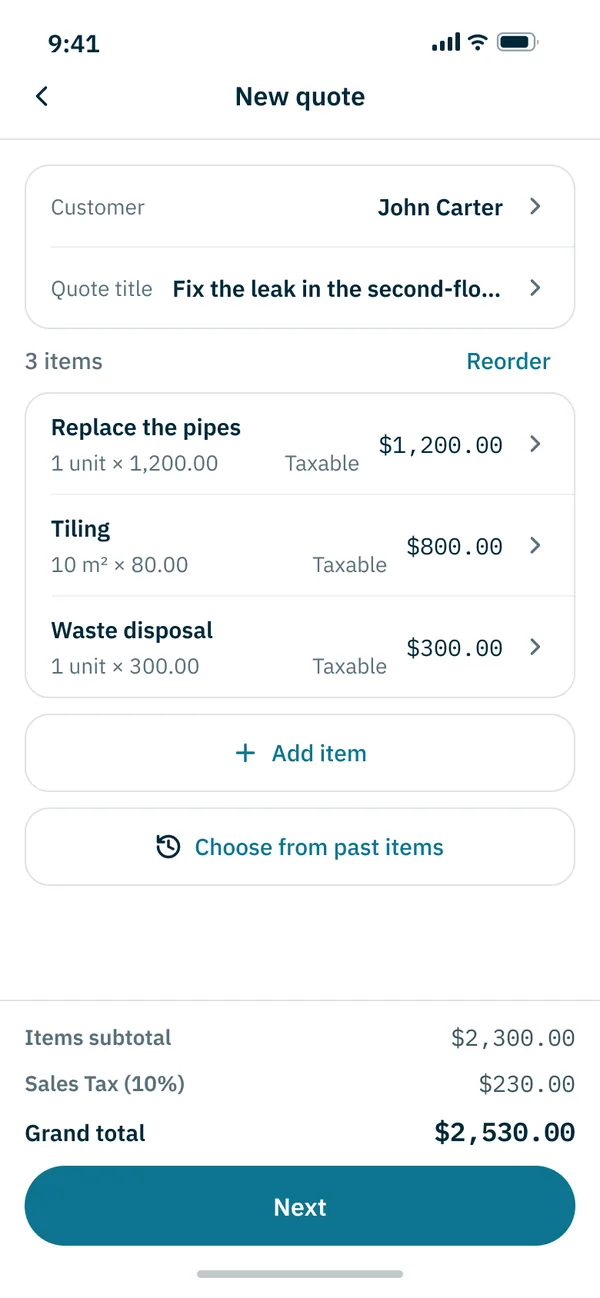
The web version opens on 4 October 2026. The Android and iPhone apps are in development. Once the web version opens, you can also write and send quotes in your phone’s browser.
Platforms and availability
Web (phone · computer)
From 4 October
After launch, use it right in your browser. On your phone, add it to the home screen to open it like an app.
Android
In development
We are preparing the Google Play app. Once there is a release date, it will be on this site.
iPhone
In development
We are preparing the App Store app. Once there is a release date, it will be on this site.
How to split the work
Out and about, on your phone
On a job site or a shoot, write and send the quote where you take the request, and check job schedules and photos.
At your desk, on a computer
Sort out quotes, customers, statements and unpaid balances on a bigger screen. Same account, same records.
Using it on your phone after launch
- 1
Open it in your browser
Open app.quotima.com in your phone’s browser.
- 2
Sign up
Sign up with email or a social account, then enter your trade and business details.
- 3
Add it to your home screen
On iPhone, use Safari’s share menu and “Add to Home Screen”. On Android, use Chrome’s menu and “Add to Home screen”. It then opens like an app.
Sign-up opens with the official launch on 4 October.
Send your first quote on 4 October
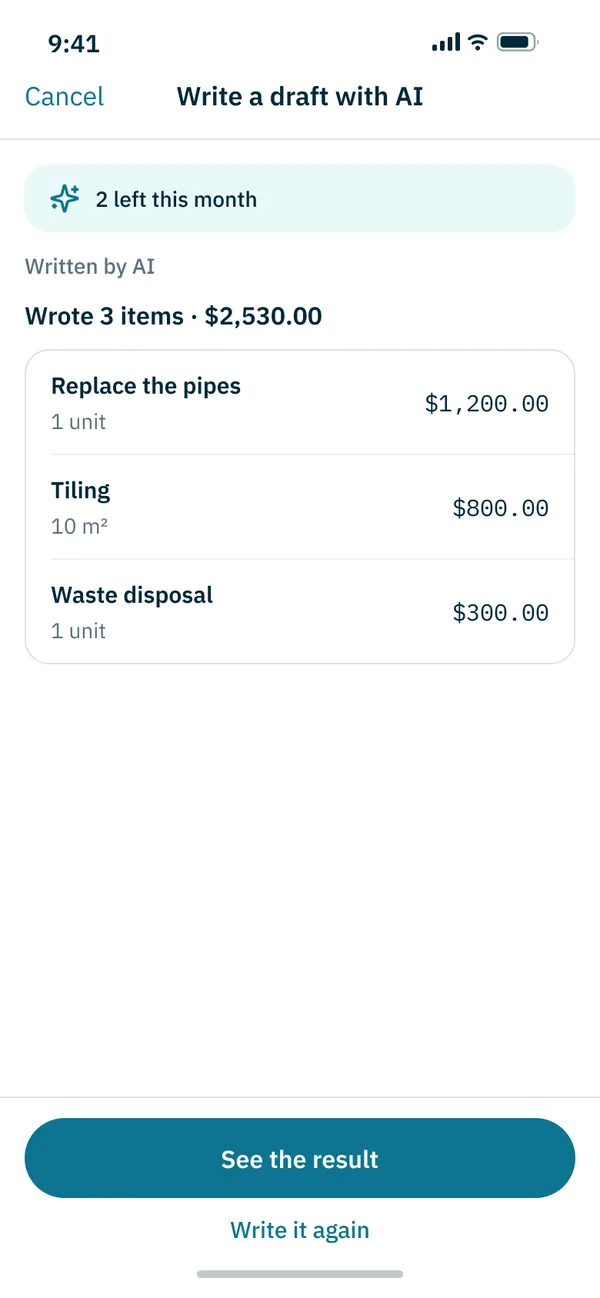
From 4 October, start on the web, and carry on with the same account when the apps arrive.
No card required. The Free plan costs nothing. Twenty quotes a month.
Android · iPhone apps in development · About the apps